Essential Productivity Apps to Block Distractions and Sharpen Focus
Finding it arduous to stay focused or eager to enhance your productivity as the year progresses? A variety of apps and browser extensions are crafted specifically to help you reduce interruptions and maintain concentration. Weather your aim is to limit endless social media browsing or establish dedicated work intervals, these tools can dramatically improve your ability to focus.
Seamless Multi-Device Blocking with Freedom
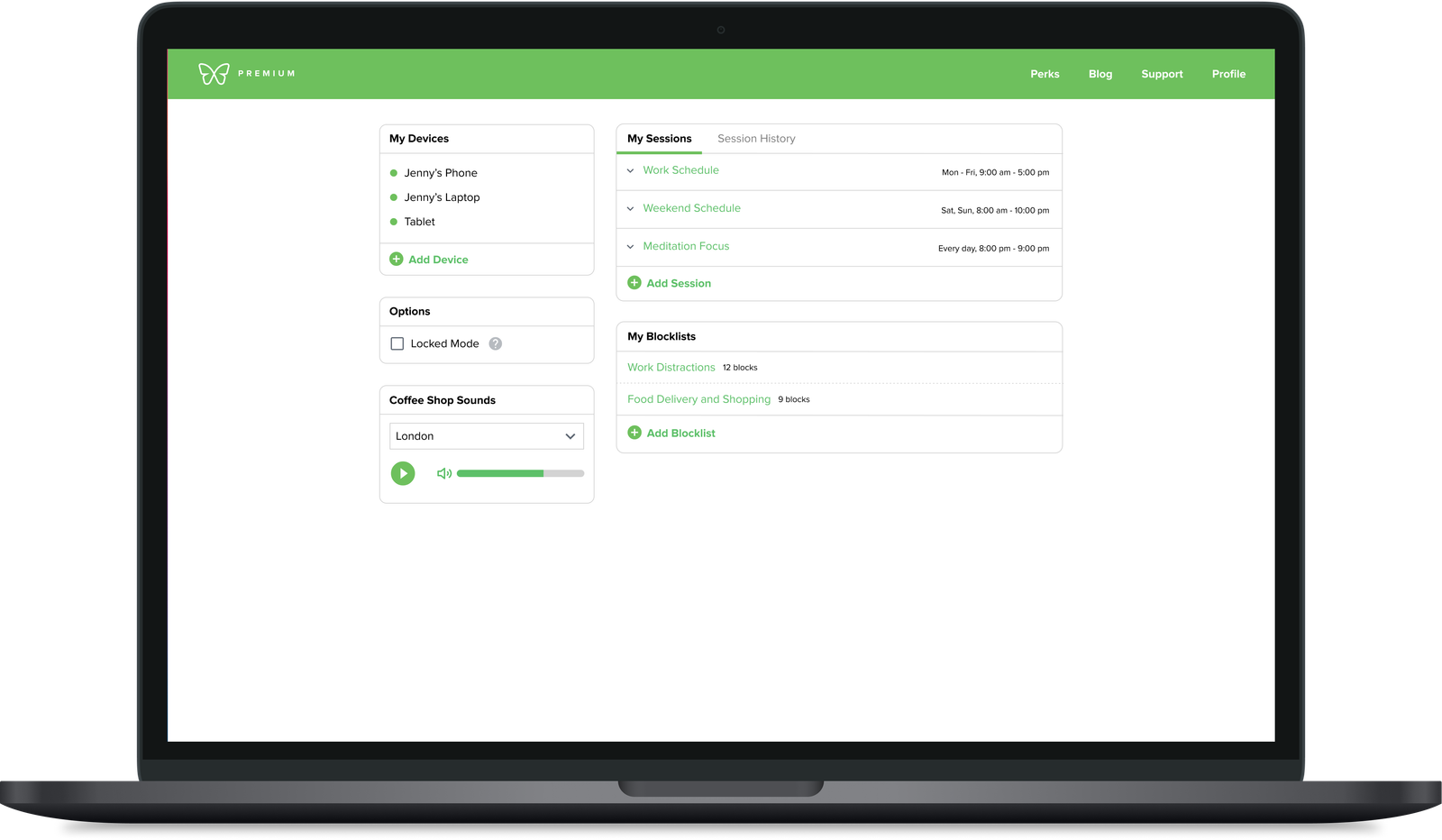
Freedom stands out for users who want distraction blocking synchronized across all their devices at once. It enables you to designate specific websites and apps that become inaccessible for chosen timeframes. As an example, if you’re working on a laptop but try opening Instagram on your phone, the app will block access by displaying a green screen.
You can start sessions instantly, plan them ahead of time, or set recurring blocks tailored around daily habits. This adaptability allows automatic enforcement of distraction-free periods during your most productive hours without manual setup each day.
The platform also offers features like wholly disabling internet access when offline work is necessary or whitelisting only essential sites required for tasks. for those needing stricter control, the “Locked Mode” prevents ending sessions prematurely.
The subscription begins at $3.33 per month billed annually or $8.99 if paid monthly; there’s also a lifetime license option priced at $199. Users can test its full functionality with a seven-day free trial before committing.
Cold Turkey: Rigorous Focus Enforcement Without Escape
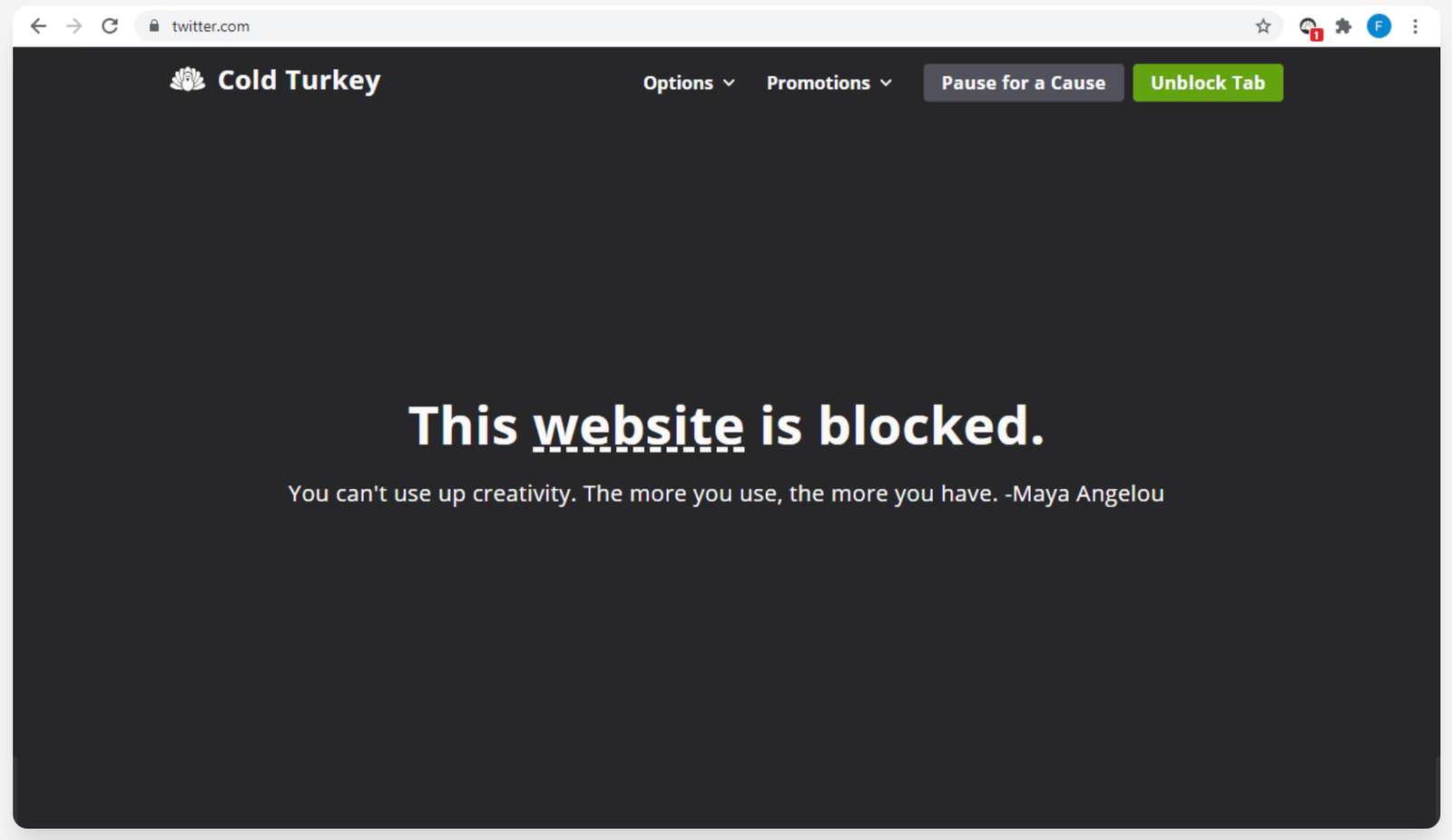
If you require uncompromising discipline against distractions, Cold Turkey delivers an almost foolproof solution by making it nearly impossible to stop an active block once initiated-unlike many blockers that allow easy overrides.
This software lets you restrict access not only to specific websites but also applications or even disable internet connectivity entirely during focus periods of fixed duration-once started, these cannot be interrupted early.
A unique feature called “Frozen Turkey” temporarily locks users out of their entire computer when extreme measures are needed against procrastination. Scheduled breaks promote healthy screen-time balance without sacrificing overall productivity goals.
The basic version is free; unlocking advanced scheduling options and request blocking requires a one-time payment of $39-a cost-effective investment in maintaining unwavering concentration thru demanding projects.
Create Personalized Focus Sessions with Opal’s bright Scheduling
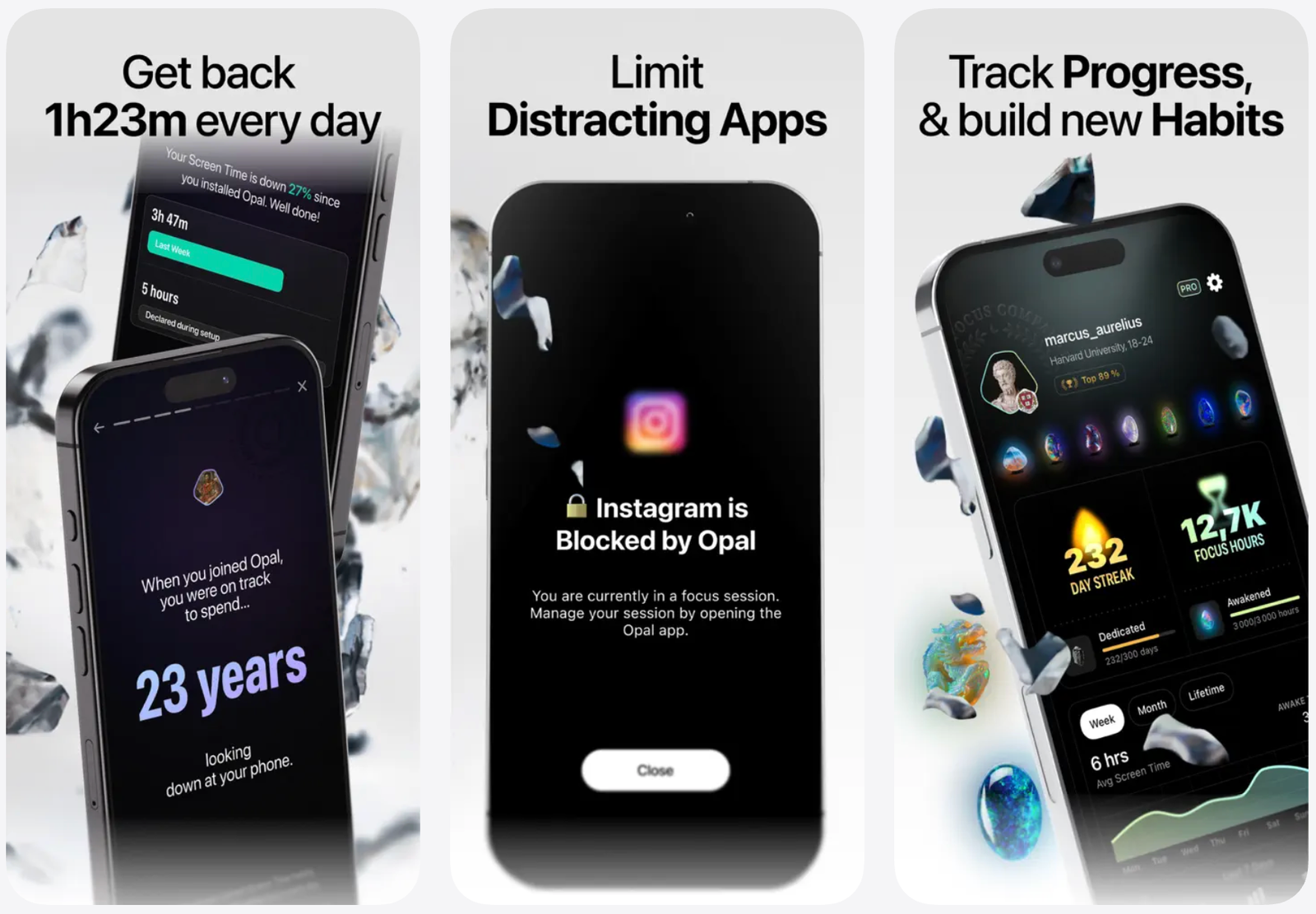
The Opal app supports iOS, Android devices and also desktop platforms by allowing users to block distracting apps and websites via customizable “focus blocks.” These scheduled intervals automatically enforce restrictions based on user-defined preferences.
This tool organizes distractions such as social networks, gaming applications, and messaging platforms into categories that can be blocked either once-off or repeatedly-for example during office hours or study times in educational settings.
- You can set daily usage limits per individual application preventing overuse beyond specified thresholds;
- A distinctive “focus score” measures how effectively time was spent concentrating versus distracted;
- Dive into real-time analytics alongside weekly summaries tracking progress toward healthier digital habits over weeks and months;
The free tier covers basic features while premium plans unlock unlimited recurring sessions plus stronger blocking modes starting at $19.99 monthly ($99 annually).
Simplified Website Restriction Using LeechBlock NG Browser Extension
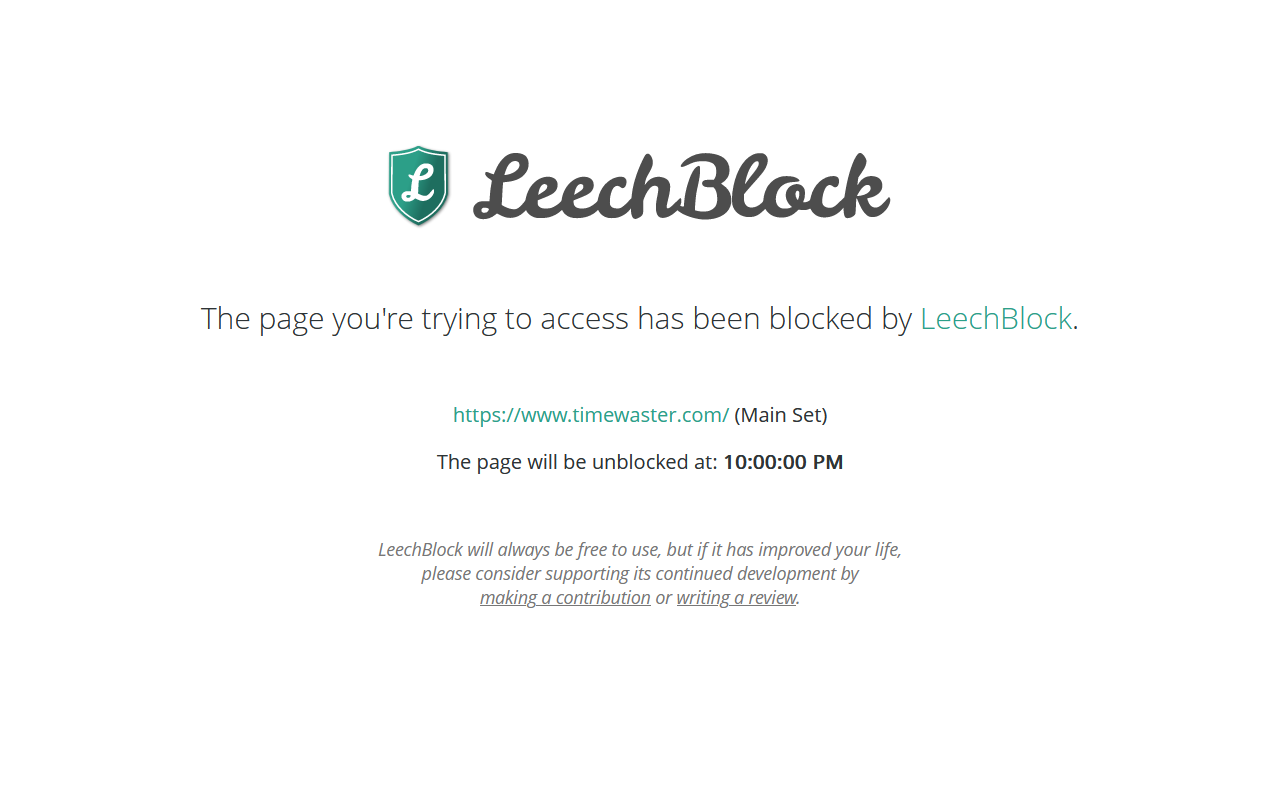
The browser extension known asLeechBlock NG is ideal for anyone seeking an easy method of limiting distracting websites directly within their web browsers.< / p >
If outright banning feels too severe sometimes,you might prefer delayed page loads-such as setting timers counting down ten minutes before granting site access.This approach introduces friction helping break impulsive browsing habits by forcing patience before visiting tempting content.< / p >
Remember this operates solely within browsers so personal discipline is essential not switching browsers just after being blocked from certain pages (such as Netflix,TikTok).< / p >
A Fun Way To Stay On Task: Forest Combines Gamification With Environmental Impact
When usingForest ,you plant virtual trees symbolizing focused work intervals.the tree thrives only if uninterrupted until the timer ends; abandoning early causes it to wither representing lost attention.
You may whitelist productive tools like email clients,Microsoft Word,and others ensuring vital apps remain accessible.
Over time,your digital forest expands reflecting cumulative achievements in sustained focus.If motivation through competition appeals,you can share forests among friends comparing progress.
Additionally,the coins earned from consistent focus fund real-world tree planting projects worldwide through partnerships supporting reforestation efforts.the browser add-on is free,iOS costs $3.99,and Android versions offer both ad-supported free use plus an ad-free upgrade priced at $1.99.
Selecting The Best Distraction Blocker based on Your Unique Requirements And Preferences
- If syncing blocks across multiple devices matters most,Freedom provides seamless cross-platform coverage combined with flexible scheduling;
- COLD TURKEY suits those needing strict enforcement including full device lockdowns;
- OPAL excels when detailed analytics,daily limits,and category-based filtering boost awareness about screen usage;< / li >
- LEECHBLOCK NG fits casual users wanting simple website restrictions inside browsers without extra software installations;< / li >
- FOREST appeals especially where gamification motivates steady attention spans alongside environmental contributions.< / li >
Merging any combination of these solutions into everyday routines significantly increases chances of overcoming digital distractions common today-ultimately reclaiming precious time for meaningful accomplishments.