Innovative Advances in Apple’s iOS 26 and Ecosystem Enhancements
Apple has released the public beta of iOS 26, showcasing a visually stunning “Liquid Glass” design paired with powerful AI-driven features. This early access allows users to explore the next generation of Apple’s mobile software before its official rollout later this year.
A New Visual Paradigm: The Liquid Glass Interface
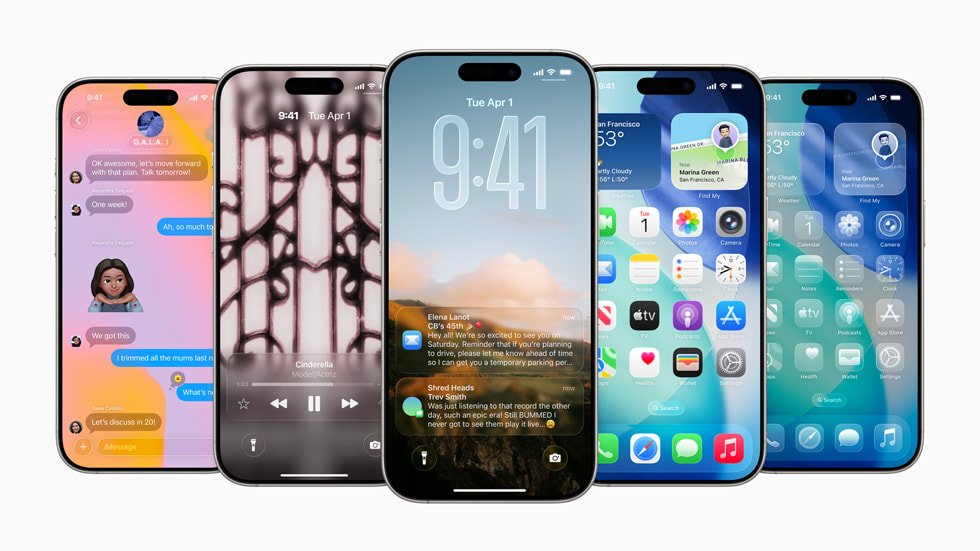
The hallmark of iOS 26 is its transformative Liquid Glass aesthetic, which introduces a translucent, glass-like finish across interface components such as buttons, navigation bars, and screens.This fresh design language extends throughout essential apps including Phone, Camera, Safari, and Music and also system-wide elements like notifications, Lock Screen, Control Center, and Home Screen.
App icons have been reimagined with optional transparency effects while the Lock Screen now features dynamic clocks alongside immersive 3D photo wallpapers that add depth on both iPhone and iPad devices.
AI-Powered Dialog: Breaking Language barriers
The integration of advanced artificial intelligence in iOS 26 revolutionizes communication by enabling live translation during calls and FaceTime sessions. This real-time multilingual support facilitates effortless conversations across languages without interrupting flow.
The Phone app introduces Call Screening requiring unknown callers to identify themselves before connection is made. Additionally, Hold Assist notifies users when hold music ends so they can promptly engage with customer service representatives or live agents.
Within Messages, AI-generated poll suggestions streamline opinion gathering in group chats while enhanced Visual Intelligence improves image search capabilities for faster retrieval within photos or apps.
Gaming & Personalization: Tailored Experiences for Users
A new centralized gaming hub debuts in iOS 26 offering an intuitive platform to discover titles and manage gameplay seamlessly. Creativity flourishes through updated Genmoji avatars alongside expanded Image Playground tools that enrich messaging interactions with personalized content creation options.
User convenience is further elevated by customizable alarm snooze intervals plus refined Camera controls granting greater mastery over photography settings.Maps also receive updates designed to enhance navigation fluidity during travel or daily commutes.
iPadOS 26: Elevating Tablet Productivity With Mac-like Features
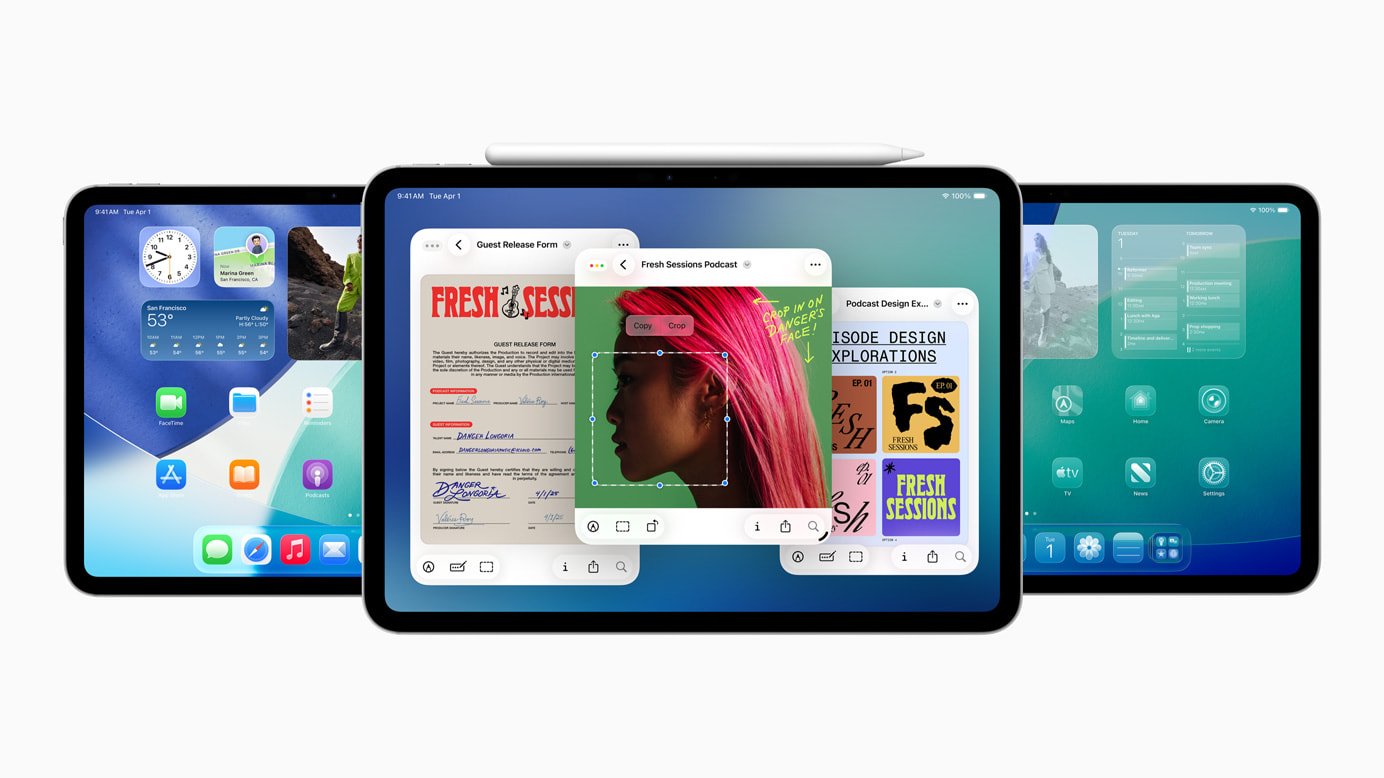
This latest version of iPadOS marks a notable leap toward transforming tablets into versatile workstations akin to Macs. A notable addition is the Preview app ported from macOS allowing direct PDF annotation on-device without third-party software requirements. An elegant window management system enables free resizing of web pages or applications while juggling multiple windows together-dramatically boosting multitasking efficiency for professionals and creatives alike.
macOS Tahoe 26: Clever Search Meets Seamless Device Integration
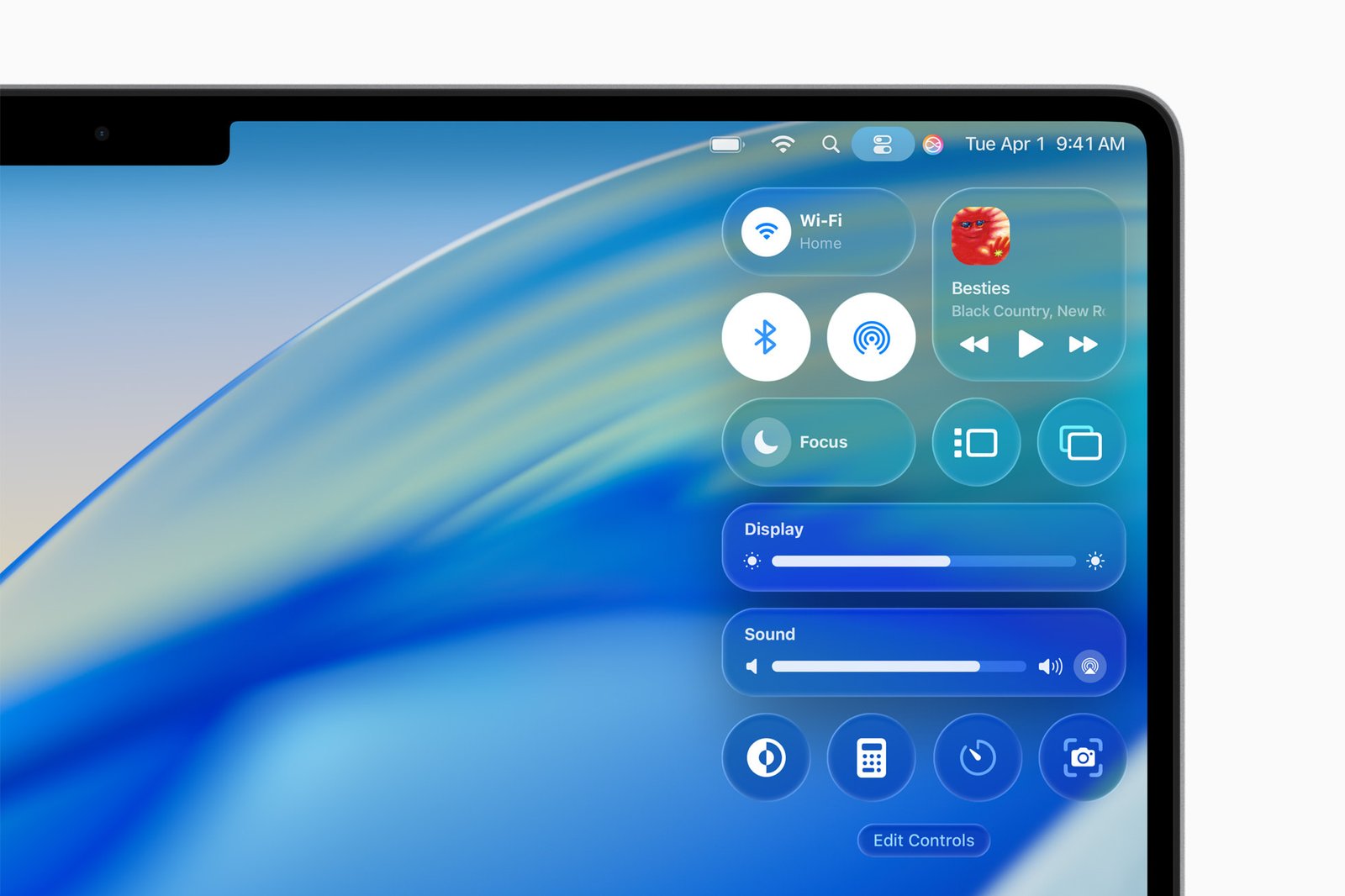
The macOS update introduces an AI-enhanced Spotlight search that anticipates user needs based on habits or ongoing projects-streamlining workflows by proactively suggesting relevant actions such as opening documents or launching apps related to current tasks. Live Activities synchronize effortlessly between Mac computers and connected iPhones providing instant access to recent calls or contacts without manual device switching.
watchOS 26: Adaptive Fitness Coaching & Smarter Controls
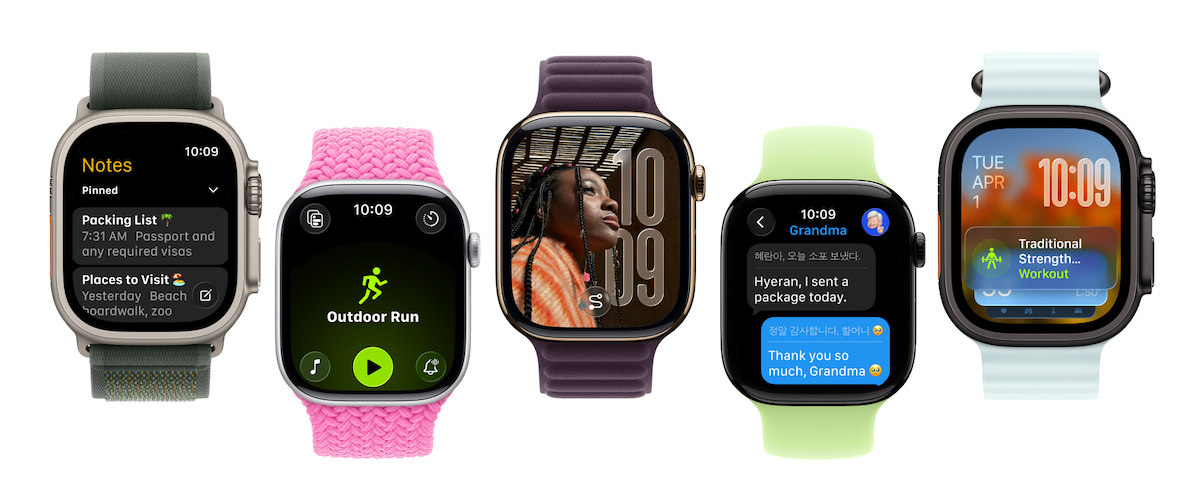
The newest watchOS release unveils Workout Buddy-a generative AI fitness assistant delivering motivational voice prompts celebrating milestones like closing daily exercise rings during workouts tailored specifically for each user’s routine. The Workout app now supports Autoplay Media which automatically selects music or podcasts aligned with different exercise types based on listening preferences tracked via Apple Music analytics.
An innovative volume adjustment feature dynamically adapts call volumes or alarms according to ambient noise levels-as an example lowering sound output upon entering quiet spaces such as libraries-to minimize disruptions effortlessly.
A novel one-handed flick gesture simplifies dismissing notifications or silencing incoming calls swiftly while returning users back to their watch face without additional taps required.
tvOS 26: Personalized Profiles & Interactive Social Entertainment
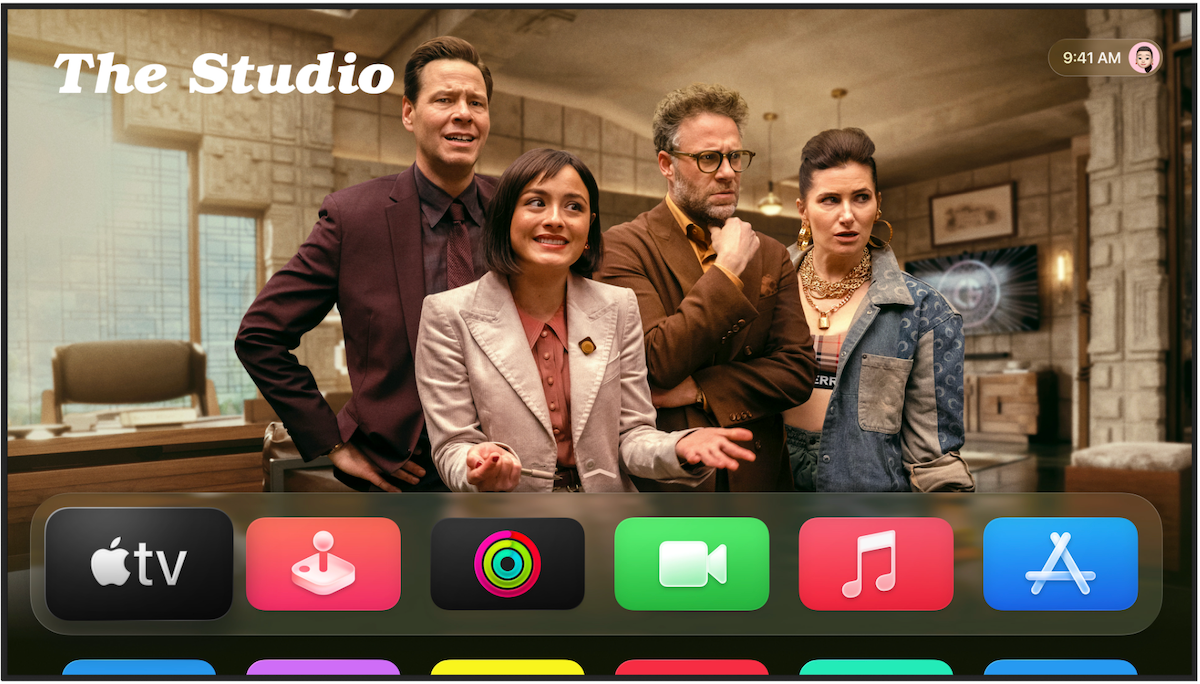
This tvOS update emphasizes personalization by enabling immediate profile selection upon waking Apple TV devices-allowing viewers fast resumption of favorite shows exactly where they left off without navigating complex menus extensively.
A standout feature permits multiple participants to connect their iPhones simultaneously during sing-along sessions using Apple Music’s microphone functionality; lyrics display onscreen encouraging group participation complete with live emoji reactions sent from each phone involved-a modern twist on social entertainment perfect for virtual karaoke parties increasingly popular worldwide amid surging streaming consumption trends (recent data indicates over half of households engage regularly).
Simplified FaceTime Customization & Enhanced Accessibility Options
- User-customizable Contact Posters add flair by displaying personalized photos alongside names during FaceTime calls enhancing visual identification;
- An expansion in Live Captions now includes translations into French, German, and Spanish making video communications more accessible globally;
- Together these improvements underscore Apple’s dedication toward inclusivity combined with intuitive design principles driving seamless cross-platform experiences forward smoothly across all devices.