Introducing teh Kindle Scribe Colorsoft: A High-End E-Ink Tablet Designed for Note-Taking Enthusiasts
For those who prioritize annotating, highlighting, and digitally writing notes on e-books or documents, Amazon’s Kindle Scribe Colorsoft offers a compelling option despite its premium price. However, users seeking a multifunctional tablet experience beyond reading and note-taking might find the $630+ 11-inch e-ink device harder to justify compared to more versatile alternatives.
A Refined Addition to Amazon’s Kindle Family
The Kindle Scribe Colorsoft enhances the existing 11-inch Kindle Scribe model priced at $549.99 by introducing a writable color display starting at $629.99.Both devices feature paper-like screens optimized for reading and handwriting, but only the Colorsoft version supports color annotations-an upgrade that could appeal strongly to those invested in detailed note-taking.
Despite these advancements, both models remain premium products when compared with more affordable Kindles such as the basic Kindle ($110) or Paperwhite ($160), which focus primarily on straightforward reading without advanced writing capabilities.
A Device Crafted for Specialized Users
This tablet is tailored specifically for students conducting research, professionals frequently marking up documents, and avid readers who prefer handwritten notes alongside their texts. It also suits individuals maintaining digital journals or managing daily tasks through handwritten input-but consistent use is essential to justify its cost.
The Kindle Scribe colorsoft stands apart from tablets like iPads that offer extensive multimedia features including video streaming and gaming alongside productivity apps-features that attract a broader audience willing to invest in higher-priced hardware with diverse functions.
User Interface & Physical Design Highlights
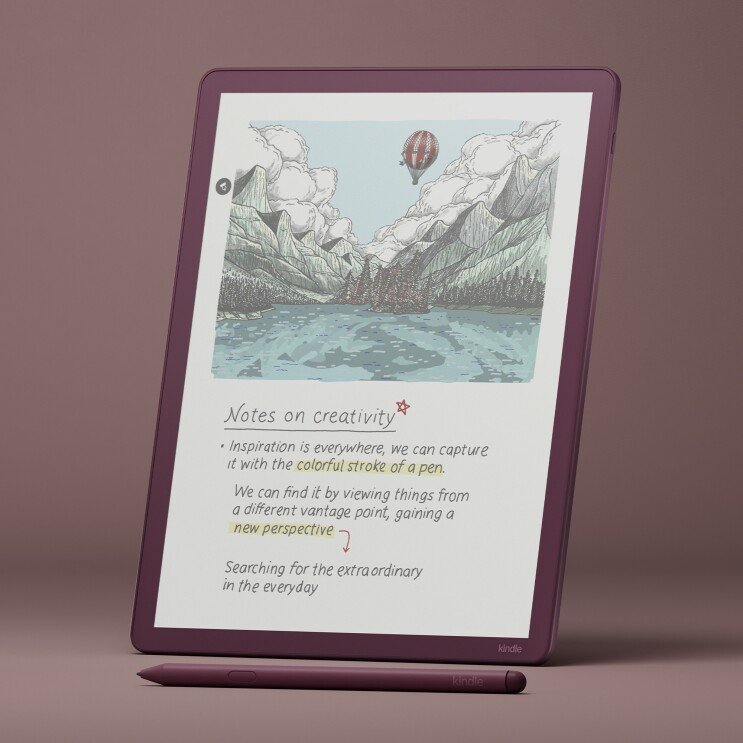
The interface remains user-pleasant with a Home screen similar to other Kindles but enhanced by color-coded book suggestions and library items that improve visual navigation.Responsiveness has improved by approximately 40% over previous models when turning pages or writing-a noticeable enhancement during daily use.
At just 5.4 mm thick and weighing around 400 grams (0.88 pounds),this device is impressively lightweight for an 11-inch e-ink tablet-comparable in portability even against smaller tablets like the iPad mini (8.3 inches). This makes it easy to carry in most laptop bags or larger tablet cases without added bulk.
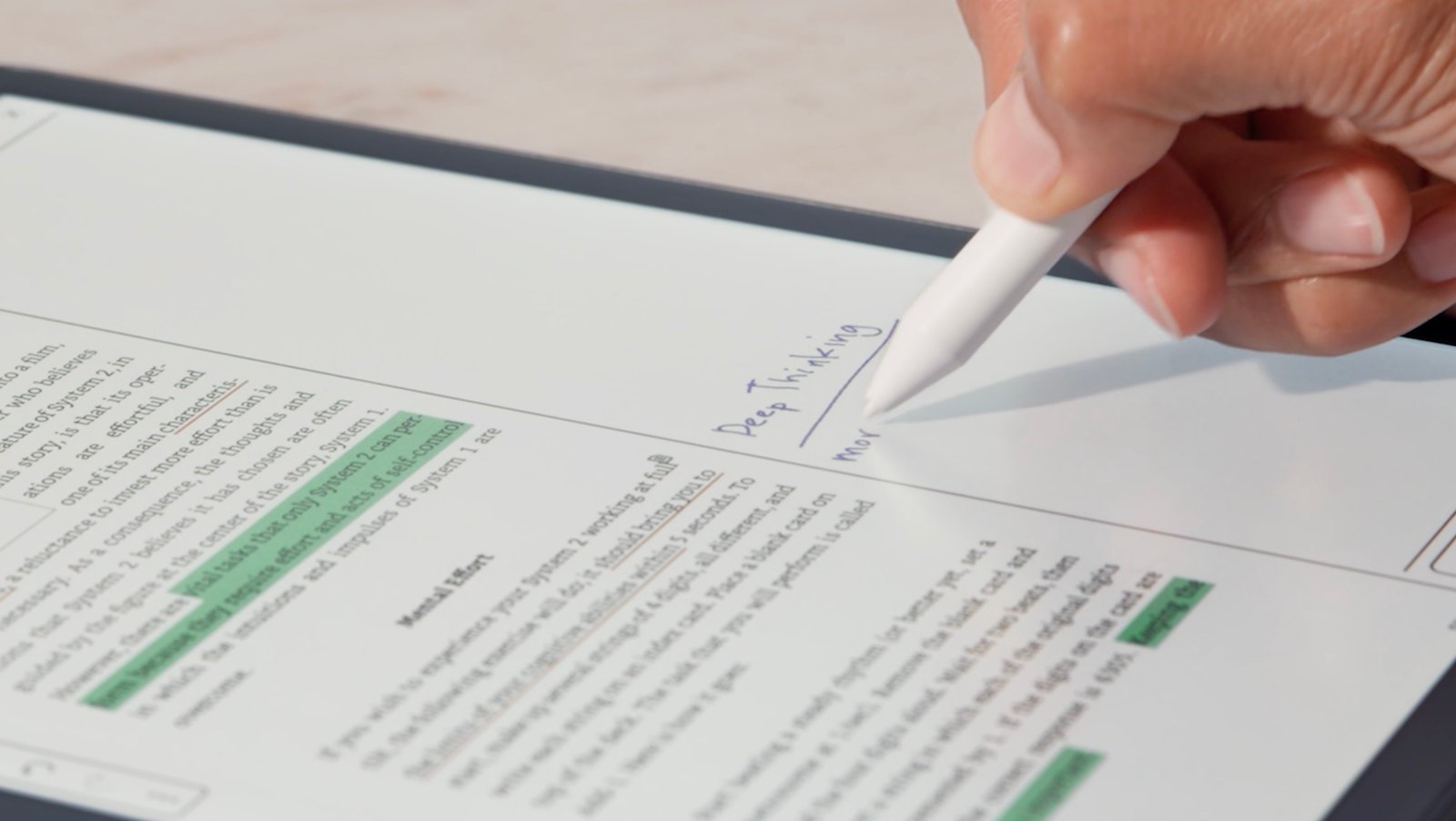
E-Ink Display Technology That Feels Like real Paper
The glare-free oxide-based e-ink panel features a textured surface designed specifically to mimic pen-on-paper friction-a key factor easing adoption among users accustomed to physical notebooks. Battery life impresses as well; typical usage can extend up to eight weeks between charges due largely to low power consumption inherent in e-ink technology.
An adaptive front light automatically adjusts brightness based on ambient lighting conditions while offering warmer tones ideal for nighttime reading sessions without causing eye strain-a thoughtful feature missing from manny LCD-based devices prone to blue light exposure issues.
Diverse File Support & Writing Tools Explained
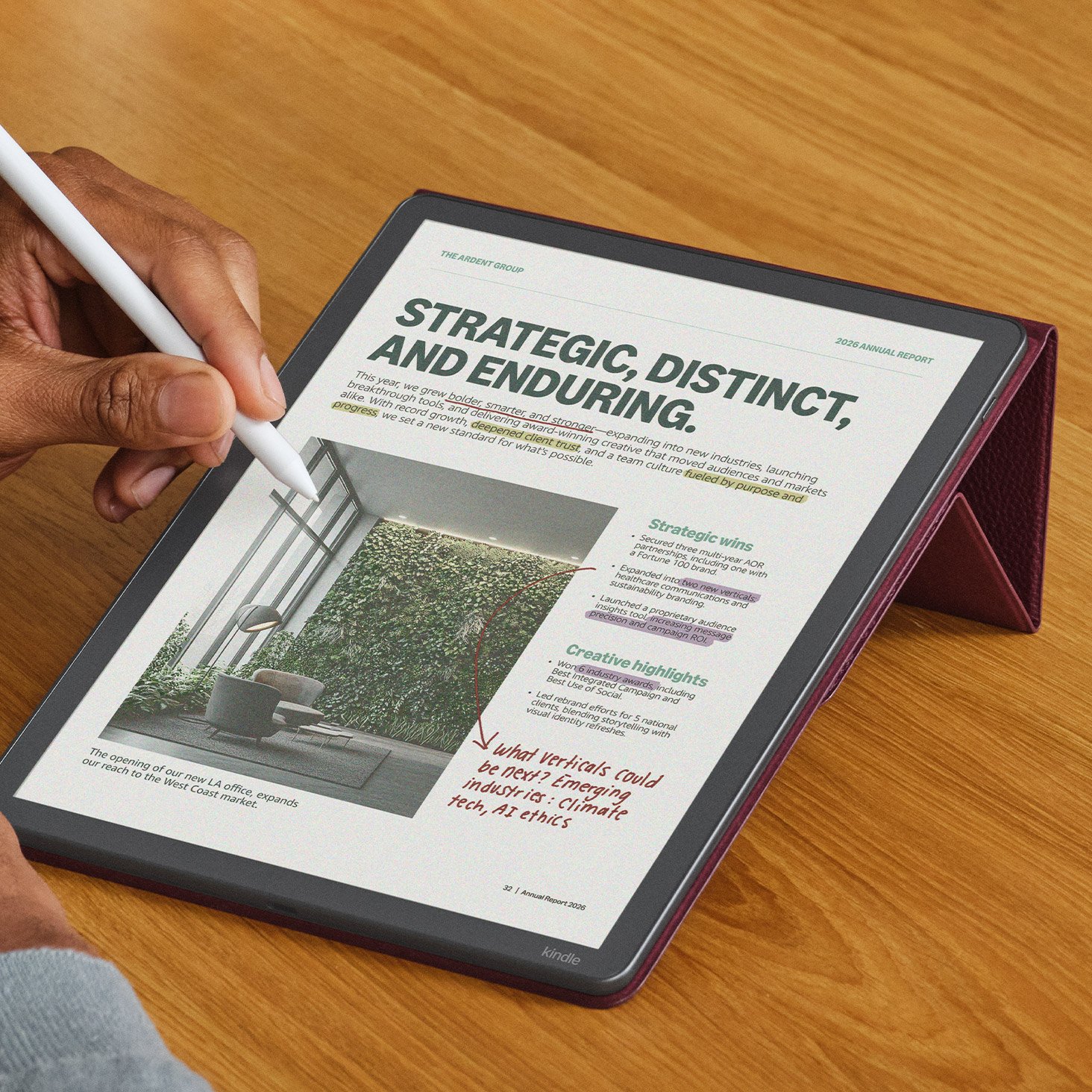
This device supports multiple document formats including PDFs, Word (.doc/.docx), TXT files, RTFs along with image types such as PNGs and JPEGs-all importable directly via cloud services like Google Drive or Microsoft OneDrive using send-to-Kindle functionality.Your notes can be exported seamlessly into Microsoft OneNote format enabling smooth cross-platform workflows.
The Stylus Experience: Strengths & limitations Compared To Rivals
The included premium pen does not require charging unlike Apple Pencil alternatives; however its rounded design lacks ergonomic grip stability which may cause occasional slips during prolonged use.You’ll need periodic replacement of pen tips due wear-and-tear-with packs costing about $17 per ten tips-adding minor maintenance costs over time.
- A palette featuring ten pen colors plus five highlighter shades allows vibrant annotations beyond customary monochrome limits;
- Selectable stroke styles include fountain pen effects or marker thickness adjustable through customizable shortcuts;
- An eraser function mimics flipping pencil tips allowing rapid corrections while precision erasers are accessible via toolbar controls;
- A lasso tool enables moving selected handwriting segments though casual users may rarely utilize this extensively;
- E-Ink’s muted color range means digital art creation isn’t optimal here despite recent shader tools-the focus remains firmly on note-taking rather than illustration work;
Enhanced Association & Annotation Features For Productivity
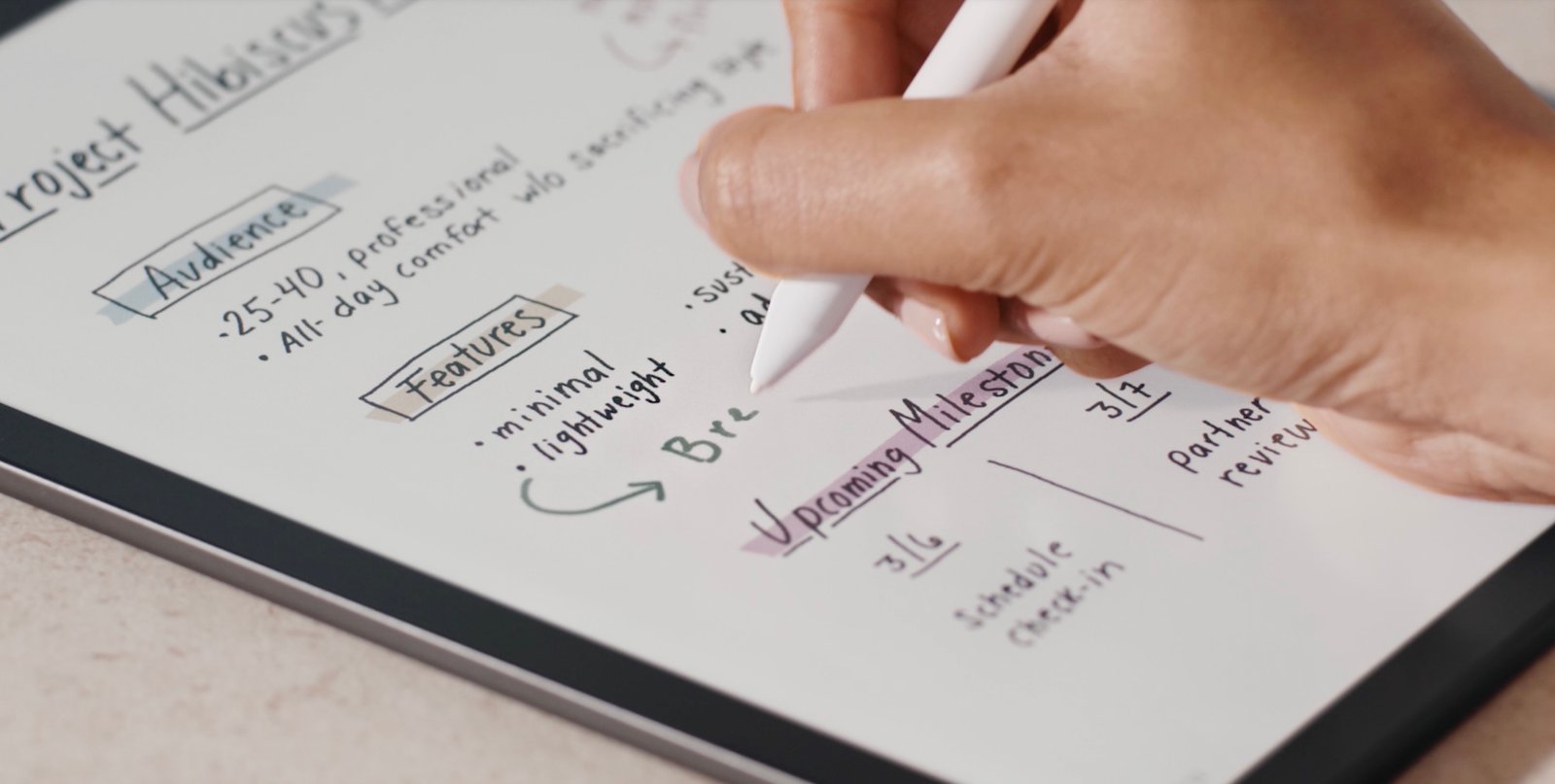
Create structured notebooks using various templates ranging from blank pages through narrow/wide ruled sheets plus specialized layouts such as meeting minutes trackers,Cornell Notes style guides,new legal pads,and college rule formats significantly enhance academic usability compared with earlier versions .
“Flipping your stylus tip onto an eraser side perfectly replicates familiar analog habits.”
An innovative active Canvas mode expands margins within documents so you can insert handwritten comments adjacent rather than overlaying text directly-keeping annotations organized even if font sizes change dynamically later during review processes.This contextual anchoring of notes ensures clarity especially useful when reviewing dense academic papers where margin space matters greatly .
AI-Powered Features Boosting Efficiency And Workflow
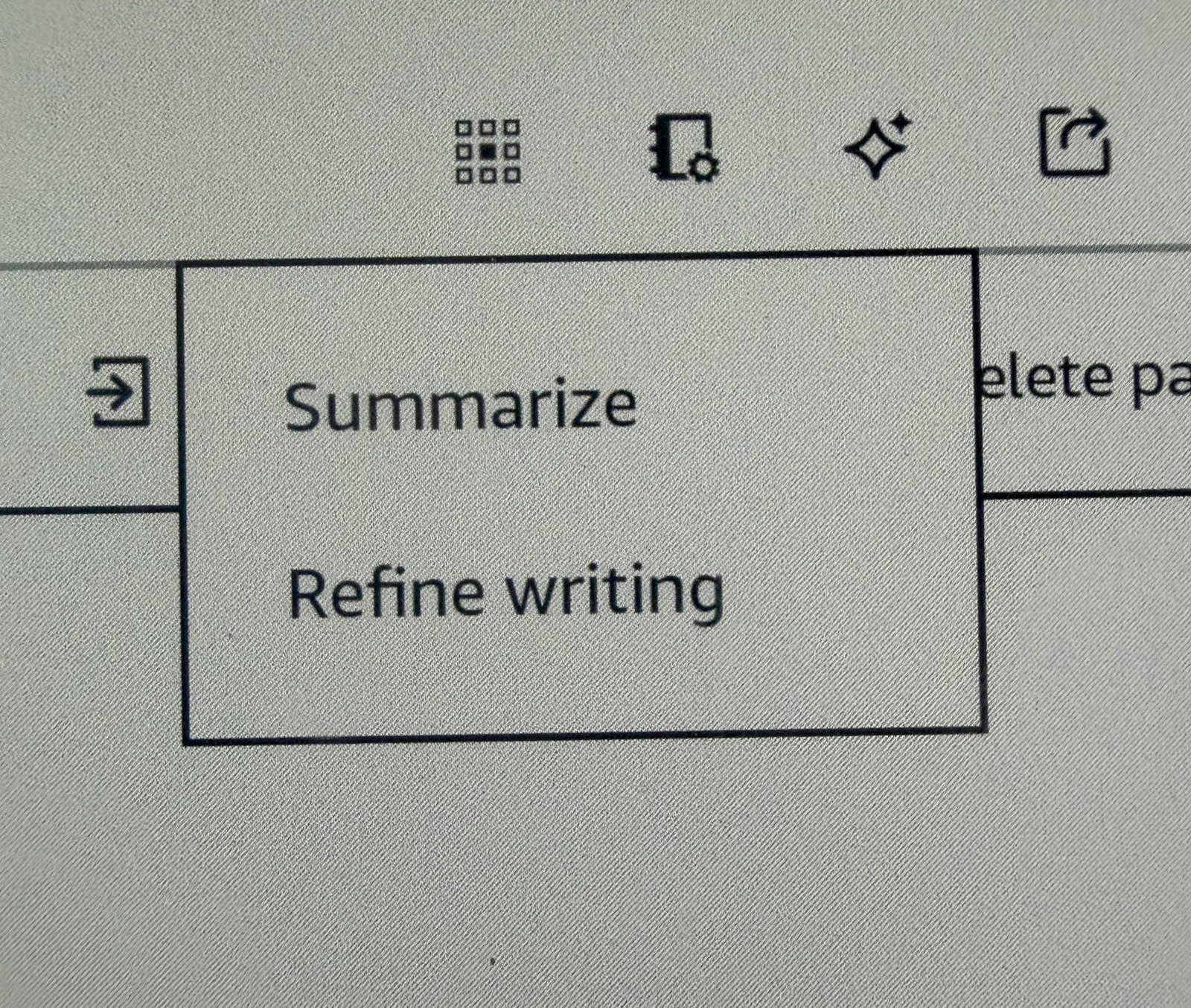
< p >The latest generation introduces AI-driven tools focused on handwriting refinement plus content summarization accessible via an icon resembling sparkles atop your screen interface.These utilities help straighten highlights,smooth out scribbles,and convert messy handwriting into polished fonts chosen from several handcrafted styles (Cadia , Florio , Sunroom , Notewright ). Even though conversion doesn’t yet produce typed text outright,it effectively bridges analog-digital gaps .
< p > AI search scans all stored notebooks enabling rapid retrieval of relevant information whether queries are typed traditionally or inputted through handwriting recognition.The “Ask Notebooks” assistant further empowers interactive exploration allowing contextual questions about your own notes enhancing study workflows substantially .
< h3 > Upcoming AI Enhancements On The Horizon
< p > Planned additions include “Ask This Book,” letting readers highlight passages then pose spoiler-free inquiries about plot points,motives,and themes – perfect companions during immersive literary experiences without revealing surprises prematurely.Another tool called “Story So Far” summarizes progress after breaks helping maintain narrative continuity effortlessly .
< h2 > Pricing Tiers And Storage Capacities Explained
< p > The Kindle Scribe Colorsoft comes housed in Graphite Black available either with 32GB storage at $629.99or expanded capacity of64GB priced at$679.99.A Fig-colored edition ships exclusively at64GB capacity costing$679.99.Cases designed specificallyfor protection retail separately around$139.99 adding extra investment considerations beyond base unit purchase price .