How to Select the Perfect monitor: An In-Depth Look at Today’s Display Options
For many, monitors are simply tools that need to work without fuss.Yet, if you spend hours gaming or working remotely, upgrading your monitor can significantly improve your daily experience. The abundance of choices-ranging from expanded connectivity and larger screen sizes to smart TV features and advanced OLED panels-can be overwhelming. Understanding these options thoroughly is key before making a well-informed purchase.
Exploring Modern Display Technologies: LED, OLED, and Mini-LED Explained
The core of any monitor lies in its panel technology.Currently, three primary types dominate the market: LED (including various LCD forms), OLED, and mini-LED.
Diving into LED Panels and Their Subtypes
the majority of monitors utilize LED backlighting paired with LCD panels due to their cost-effectiveness and availability. Within this category:
- IPS (In-Plane Switching): Known for excellent color accuracy and wide viewing angles; it remains the most common LCD type.
- VA (Vertical Alignment): ofen found in budget-friendly creator displays offering superior contrast but slower pixel response times.
- TN (Twisted Nematic): Favored by entry-level gamers who prioritize fast refresh rates over color precision.
Lately, innovations like “IPS Black” technology have elevated contrast ratios up to 3,000:1 in enhanced versions such as IPS Black 2.0. LG’s Nano IPS further broadens color gamut coverage-together delivering some of the sharpest IPS displays available today.
The Growing Popularity of OLED Monitors

Originally popularized by smartphones and televisions, OLED has recently made notable strides into PC monitors. Unlike traditional LEDs that illuminate an entire backlight layer uniformly, each pixel in an OLED emits its own light independently-allowing true black levels by entirely switching off pixels where needed. This results in near-infinite contrast ratios limited only by peak brightness capabilities.
The newest W-OLED (LG) and QD-OLED (Samsung) models typically reach HDR peak brightness around 1,000 nits or more while maintaining superb viewing angles without edge glow issues common on LEDs.
A major hurdle for widespread adoption was price; early gaming-focused models launched above $1,000 USD but recent releases now offer professional-grade options starting near $500 USD across various sizes and refresh rates-such as Dell’s 32 Plus QD-OLED series introduced this year caters specifically to creators seeking top-tier image quality at accessible prices.
The risk of burn-in-the lingering ghost images from static content-is now largely addressed through advanced pixel-shifting algorithms combined with automatic refresh cycles implemented by manufacturers alongside extended warranties up to three years based on rigorous longevity testing under typical usage conditions.
The Unique Positioning of Mini-LED Displays Between LED-LCDs & OLEDs
Sitting between conventional LED-LCDs and full self-emissive OLEDs are mini-LED screens that employ thousands of tiny dimming zones instead of a uniform backlight layer.
This zonal dimming technique dramatically improves local contrast control while achieving higher brightness than most current consumer-grade OLEDs under both SDR & HDR scenarios.
- A practical comparison reveals budget mini-LED models featuring roughly 300-400 dimming zones versus premium variants boasting over 1,100 zones within similar screen dimensions; this difference greatly enhances dynamic range perception through finer local light modulation.
An iconic example is Apple’s pro Display XDR which uses just over five hundred zones yet delivers remarkable uniformity thanks partly to sophisticated zone management software.
“Mini-LED technology offers excellent thermal stability along with immunity against permanent image retention compared to earlier display generations.”
This makes mini-LED ideal when extreme brightness is prioritized without sacrificing durability-even though it remains more niche compared with rapidly expanding consumer interest around affordable high-performance OLED products reshaping expectations globally.
Selecting Screen Size & Aspect Ratio That Matches Your Workflow or Playstyle
Todays’ monitor shapes extend far beyond classic rectangular formats:
- Mainstream Aspect Ratio – 16:9: Still dominant for general use ranging from compact ~24-inch screens up through large ~43-inch desktop setups accommodating expansive workspaces.
- Ultrawide Displays – Typically 21:9: highly favored among gamers craving immersive horizontal fields-of-view or professionals replacing dual-monitor setups due to seamless multitasking space.
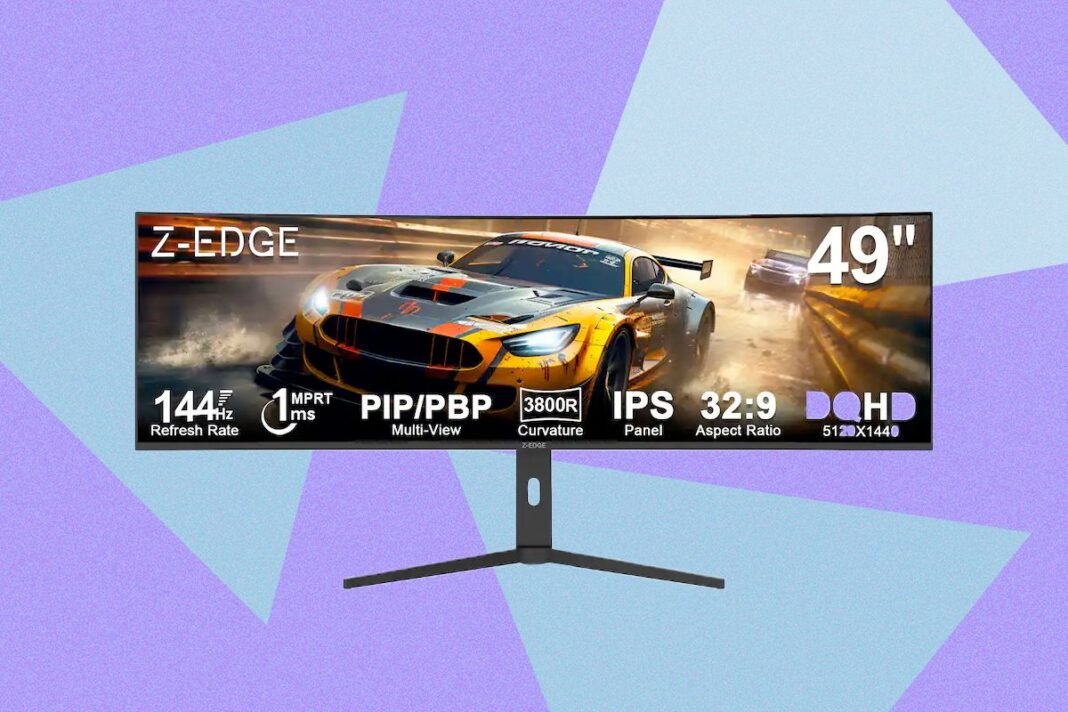
- “Super Ultrawide” Screens – Around 32:9 (45-49 inches): Larger curved giants designed primarily for specialized tasks such as financial trading floors or video editing timelines requiring vast horizontal real estate.
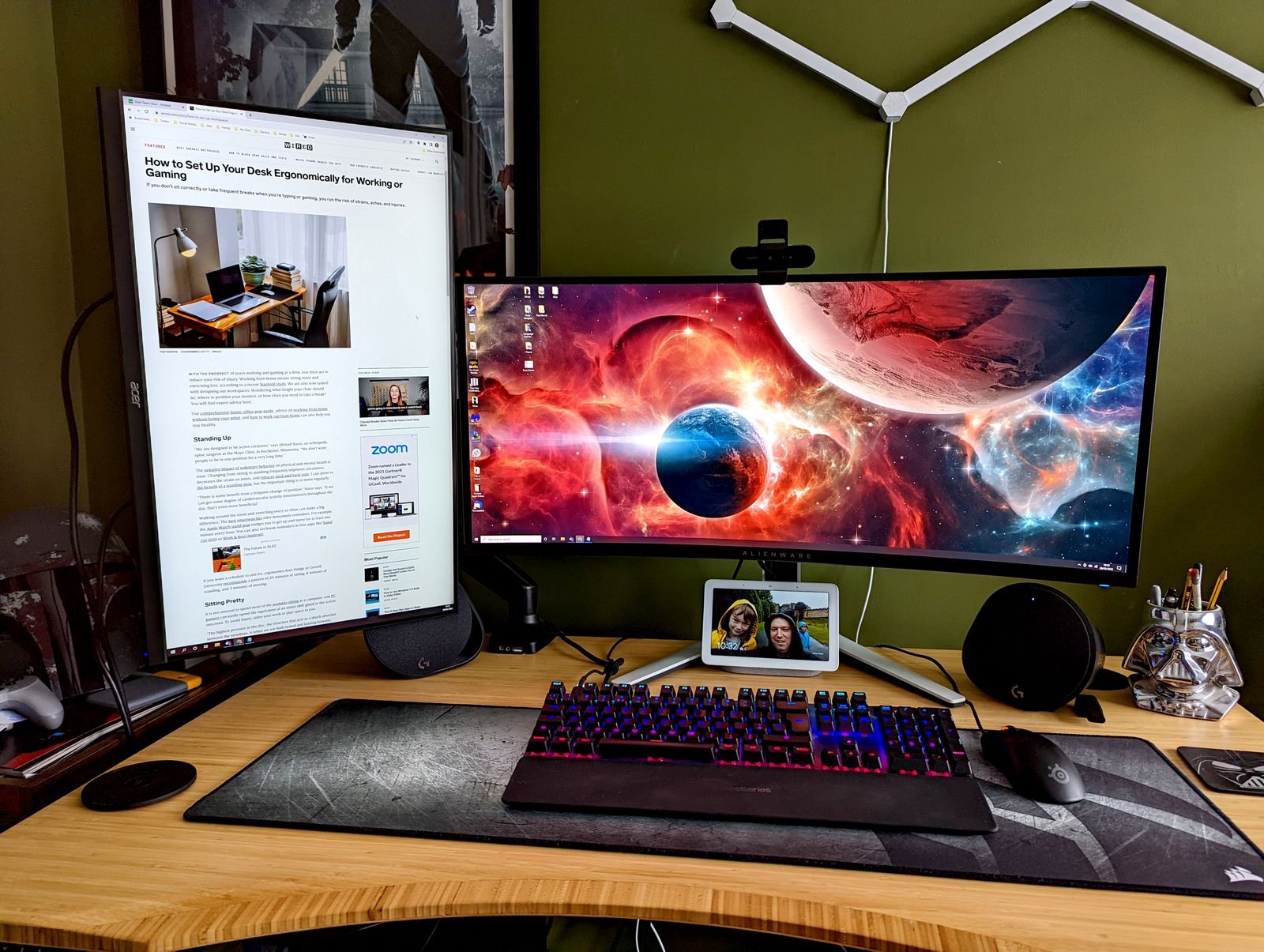
Certain curvature radii impact user comfort notably: 3800R curves provide gentle bends suited for office productivity, while tighter 800R curves maximize immersion during gaming sessions but may reduce comfort during prolonged desk work. —a balanced radius like Alienware’s Alienware 34-inch QD-OLED near1800R tends toward versatility across both professional tasks & entertainment needs. …
navigating Resolution & Pixel Density For Sharp Visual Detail
An often overlooked yet vital factor when upgrading is pixel density measured as pixels per inch (PPI). Simply put, the perceived sharpness depends not only on resolution but also physical screen size: two displays sharing identical resolutions can appear drastically different depending upon their dimensions affecting PPI values. typical laptop screens exceed200ppi whereas desktop monitors vary widely below100ppi depending upon size/resolution combinations.
Examples include:
- A standard27-inch4K UHD panel (~163 PPI) delivers crisp text clarity suitable evenfor detailed creative workflows.
- Larger ultrawides might sacrifice some sharpness unless pairedwith higher resolutions suchas5120x1440to maintain visual fidelity.
- If considering5Kor6Kmonitors aimedat professionals demanding ultra-high detail reproduction, pixel densities approach those foundon flagship laptopsbut require sitting farther awayfromthedisplayto avoid eye strain.
A practical guideline recommends selectingmonitorswithover100ppifor long-term comfortand satisfactionin remote workor content creation contexts.
Increasingly affordable4K27-inchdisplays pricedunder$300make this sweet spot accessibleto many buyerswithout overspending.
Smooth Motion Performance – Understanding Refresh Rates

Your monitor’s refresh rate – measured in hertz(Hz)-defines how frequently enough new frames appear each second,”smoothing” onscreen motion.Historically fixedat60Hz,this metric has surged drivenbygaming demandswithmanymodels now supporting120Hzand240Hz rates.
However,the advantageofhigherrefreshratesdependsdirectlyonyourcomputer’s abilitytoproduce matchingframe rates(fps).For instance,a240-Hzmonitorwon’t enhance smoothnessifyourgameonlyrunsat80fps.
Competitive esports players may perceive benefits beyond240Hz,but most users find120-Hzscreens provide noticeably smoother animations across daily activities including web browsinganddesktop interactions.
Even mainstream professional monitors increasingly incorporate120-Hzpanels making fluidity standard rather than luxury featureset.
Differentiating Input Lag Versus Response Time For Gamers And Creators

User confusion often arises regarding two related yet distinct performance metrics:
– Input Lag: The total delaybetweenuseraction(e.g.,mouseclick)andvisibleresponseonscreen.Thisincludeshardwareprocessingtimesacrossmouse,System,andmonitorcomponents.
– Response Time: Specificallyhowquicklyindividualpixelstransitionbetweencolors(oftengray-to-gray),measuredinmilliseconds(ms).Lowervaluesindicatefasterpixelchangesreducingmotionblur.
OLEDpanelsexcelhereduetoorganicpixeltechnologyachievingsub-millisecondresponsestimescomparedtostandardLCDpanelswhichtypicallyrangefrom4msto8ms.Gamersbenefitfromreducedghostingeffectsresultingincrisperfast-motionrenderings.Whilemanufacturersmayexaggerateresponsetimespecifications,itremainsclearthatOLEDrepresentsasignificantadvancementinspeedcontributingtowardsoverallinputresponsivenesswhenpairedwithlow-laghardwareconfigurations.
User Ergonomics And Connectivity Features To Prioritize Before Purchase

Adjustability plays a crucial role inmaking extended computer use agreeable.Most modern monitore offer some combinationof:
Ifyou plan touse custommountsar msyou’ll wantamonitorcompatiblewithstandardVESAmountpatternscommonplaceevenamongbudgetoptionsbutstillworthverifyingbeforepurchase.
Ports And Expansion Capabilities : Enhancing Your Workspace Flexibility
Every monitormustinclude essentialconnectivitysuchasHDMIandDisplayPortinterfaces.Somelegacy systemsmayrequireVGA,butthisisbecomingrare.Increasingly,you’llfindUSB-C portsprovidingdata transfer,powerdelivery(up-to90W charging),andaudiooveronecablegreatlysimplifyingdeskclutterespeciallyformobileusers.
Many modern displays feature built-in USB hubs including USB-A ports,Ethernet jacks,and headphone outputs,enabling peripheralspluggedirectlytothemonitorinsteadofthePC.This proves invaluableforlaptopswithextendedportlimitationsorfrequentmobilityneeds.
High-end workstation monitors sometimes integrate KVM switches allowing switching between two computers using one keyboard,mouse,anddisplay-a boon formulticomputerprofessionalsthough unnecessaryformostusers.
Port placement affects usability.Downward-facingports create clean aestheticsbut can be hardtoaccess.Back-facingportsare easiertopluginto.Somepremiummodelsfeaturepop-out front-facing modules providing quick access USB-C/headphone connections.Additional cable management features inthe stand help keep workspace tidy.
Budget-Friendly Choices : Maximizing Value Without Sacrifice
Monitor prices span widely-from entry-level units below $100 up topremiumdisplays costing several thousand dollars like Apple Pro Display XDR priced around $5000 USD.Most consumers target mid-range options below $300 where quality meets affordability effectively.
Models like Dell’s 27 Plus 4K deliver exceptional value combining sharp resolution,vibrant color accuracy,and solid build quality within this price bracket making them ideal choices balancing productivityandagaming needs affordably.
Today’s market offers diverse selections whether prioritizing port variety,gaming performance,size,multifunctionality(smartTVcapabilities),oreven immersive ultrawides replacing dual-monitors.All these advancements reflect maturity ensuring there is always an option tailored toyourspecific requirements.