Mastering Photo Metadata: Enhancing Privacy and Streamlining Association
Decoding Photo Metadata and Its importance
Whenever you snap a picture using a digital camera or smartphone, the image file contains more than just the visual content. Embedded within is EXIF (Exchangeable Image File Format) metadata, which records essential details such as the exact timestamp of capture, camera specifications, exposure settings, and often GPS coordinates if location services are enabled on your device.
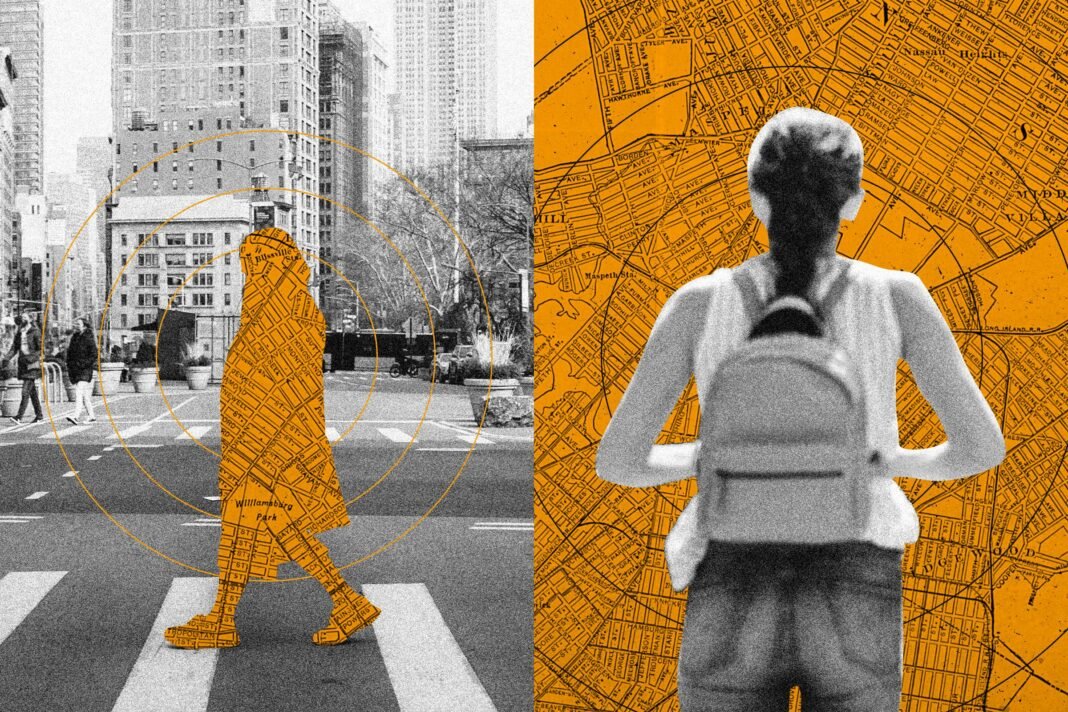
This embedded geotagging can be a powerful tool for categorizing photos by location-imagine effortlessly locating all your beach vacation shots from Miami or mountain hikes in the Rockies. However, sharing images wiht this hidden location data can unintentionally disclose sensitive details like your home address or workplace to unintended audiences.
The Critical Need to Review Location Data Before Sharing Photos Publicly
If you intend to share images beyond private circles-weather on social media platforms or public forums-it’s vital to understand what metadata accompanies those files. Location tags embedded in photos may reveal private whereabouts without your awareness. In 2024, privacy concerns have escalated considerably; recent studies show that over 75% of smartphone users worry about accidental exposure of their location through shared images.
A Practical Example: Efficient Travel Photo Management Using Metadata
A recent analysis revealed that travelers who utilize Google Photos’ geotag sorting feature reduce search time for specific trip pictures by nearly 35% compared to manually organizing albums. For example, after visiting Barcelona’s famous Sagrada Família last year, one user swiftly retrieved all related photos simply by entering “Barcelona” into their app’s search bar thanks to embedded GPS data.
How To Access and Examine Photo Metadata Across Devices
- Android (Google Photos): Open an image → tap the three-dot menu at top right → select About this photo. If available, a map will display where it was taken.
- iOS (Apple Photos): Tap an image → press the info icon (“i” inside a circle) at bottom → view details including any attached location shown on a small map preview.
- Windows: Right-click an image in File Explorer → choose Properties → Details tab reveals GPS coordinates if present.
- macOS: Right-click an image in Finder → select Get Info to see latitude and longitude when available.
- Edit software: Applications like Adobe Lightroom provide metadata viewing under File > Info but typically display raw coordinate values rather than interactive maps.
Tactics for Removing Sensitive Location Information From Your Images Before Sharing
Safeguarding personal privacy requires stripping EXIF data before distributing photos online or with acquaintances.While many popular platforms such as Instagram and Twitter automatically remove geolocation upon upload, relying solely on these measures isn’t foolproof since some metadata fields might remain accessible.
- Edit directly within apps:
– Apple Photos enables users to delete or modify location tags by accessing photo info then selecting options labeled Edit Location.
- Create new copies without metadata:
– Copying an image onto your clipboard then pasting it into another program before saving often removes most hidden text-based tags because only pixel data transfers-not accompanying EXIF information.
- User-friendly tools designed specifically for EXIF removal:
– Browser-based utilities like ImageCleaner.io operate offline once loaded ensuring no uploads occur.
– Command-line tools such as ExifTool offer advanced control over all types of file metadata editing locally across Windows/macOS/linux systems.
- Toggling off camera app permissions for locations prevents future embedding:
– On Android: Go Settings > Apps > Camera > Permissions.
– On iPhone/iPad: Navigate Settings > Privacy & Security > Location Services > Camera.
Disabling these stops new photographs from recording GPS coordinates but also disables convenient features like searching photos by place within gallery apps.
An Illustrative Scenario Highlighting Online Safety Concerns
“After repeatedly posting garden party pictures online without realizing they contained my neighborhood’s exact coordinates,” shares one user from Seattle who now always removes all EXIF data prior to public uploads.”
navigating The trade-Off Between Convenience And Privacy With Photo Metadata
The ability of modern applications such as Google Photos and Apple Photos to organize extensive photo libraries based on geographic locations remains invaluable-especially considering global smartphone shipments surpassed 1.6 billion units during early 2024 alone-and millions rely heavily on these features daily. Yet staying vigilant about what information travels alongside each shared picture helps prevent inadvertent overshares that could jeopardize security or anonymity online.