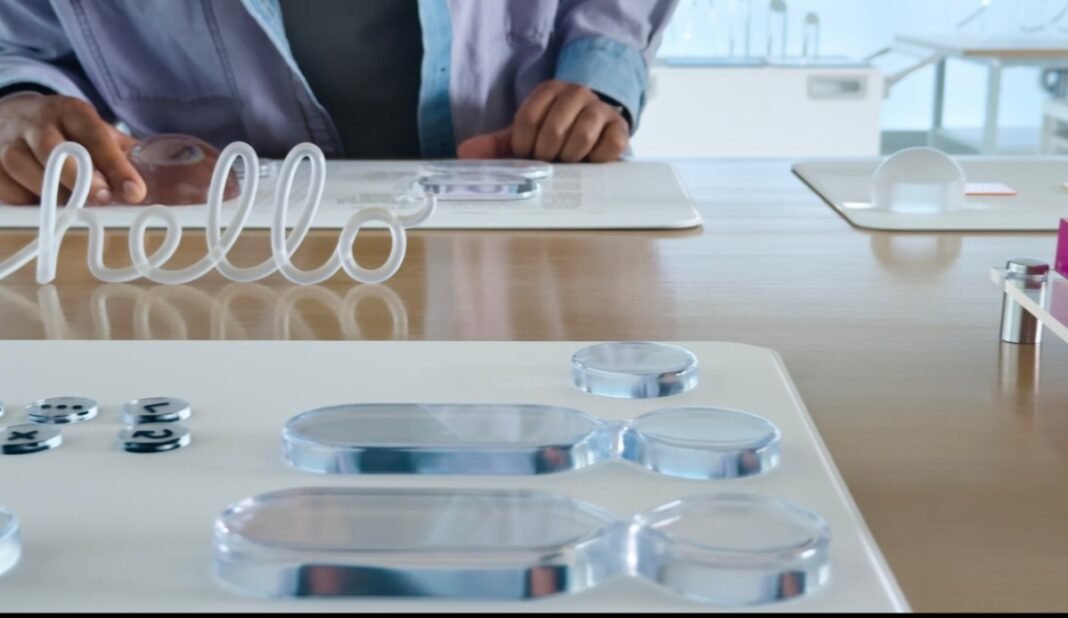
Apple Enhances Liquid Glass Interface with New Customization Options in Latest OS Releases
In its latest beta updates for iOS 26.1, iPadOS 26.1, and macOS 26.1,Apple has introduced a fresh customization feature for the Liquid Glass interface that lets users choose between Clear and Tinted visual styles. This addition reflects Apple’s ongoing dedication to improving user experience by incorporating community feedback into its design evolution.
Adapting Design Philosophy to User Preferences
The rollout of this new setting marks a significant step in Apple’s approach to design flexibility following the major UI overhaul seen in iOS 26 and related platforms-the most substantial redesign since 2013. While many users have praised the sleekness and refined details of the Liquid Glass aesthetic, some have raised concerns about decreased readability in key areas such as notifications and navigation elements within apps like Apple Music.
To address these mixed reactions, Apple is now allowing individuals greater control over interface transparency levels instead of enforcing a uniform look across all devices.
Historical Context: Learning from User Feedback Patterns
This strategy mirrors previous adjustments Apple made after introducing controversial changes-for example, when Safari’s address bar was moved to the bottom of the screen in iOS 15 (2021). Despite initial pushback, Apple eventually provided an option enabling users to revert it back to the top while maintaining their ergonomic goals.
Similarly, with Liquid Glass customization now accessible through a simple toggle between Clear (offering higher transparency) and Tinted (providing increased opacity), users can personalize their display based on individual preferences or ambient lighting conditions.
Navigating the New Customization Feature
- On iPhone or iPad: Open Settings > display & Brightness > liquid Glass.
- On Mac: head to System Settings > Appearance > Liquid Glass.
- Select either “Clear”, which delivers a lighter transparent effect for minimal distraction, or “Tinted”, which enhances opacity making UI components easier to read especially under shining outdoor lighting.
The Developer Angle: Effortless Adaptation Across Apps
This update ensures that developers who incorporate Liquid Glass elements into their applications will automatically benefit from user-selected settings without needing additional code modifications. This seamless integration applies not only to native features like Now playing controls and Lock Screen alerts but also extends smoothly into third-party apps adopting Apple’s design framework.
User Experience Insights Supported by Recent Findings
“Recent beta testing surveys reveal that nearly 40% of participants favored higher opacity options due largely to enhanced legibility when using devices outdoors,” industry analysts report based on current adoption trends.
This data highlights why adjustable transparency is crucial for accommodating diverse environments-from professionals working under intense sunlight during fieldwork to casual users navigating dimly lit indoor spaces.
A Look Ahead: Potential Enhancements on The Horizon
the present implementation offers a binary choice rather than a continuous slider controlling opacity levels-a decision likely aimed at simplicity during this early phase. However, ongoing user feedback may prompt Apple toward introducing more nuanced control options as they refine this feature through global developer betas ahead of wider public availability later this year.