Google Chrome Introduces Reusable AI Prompts to boost Browsing Efficiency
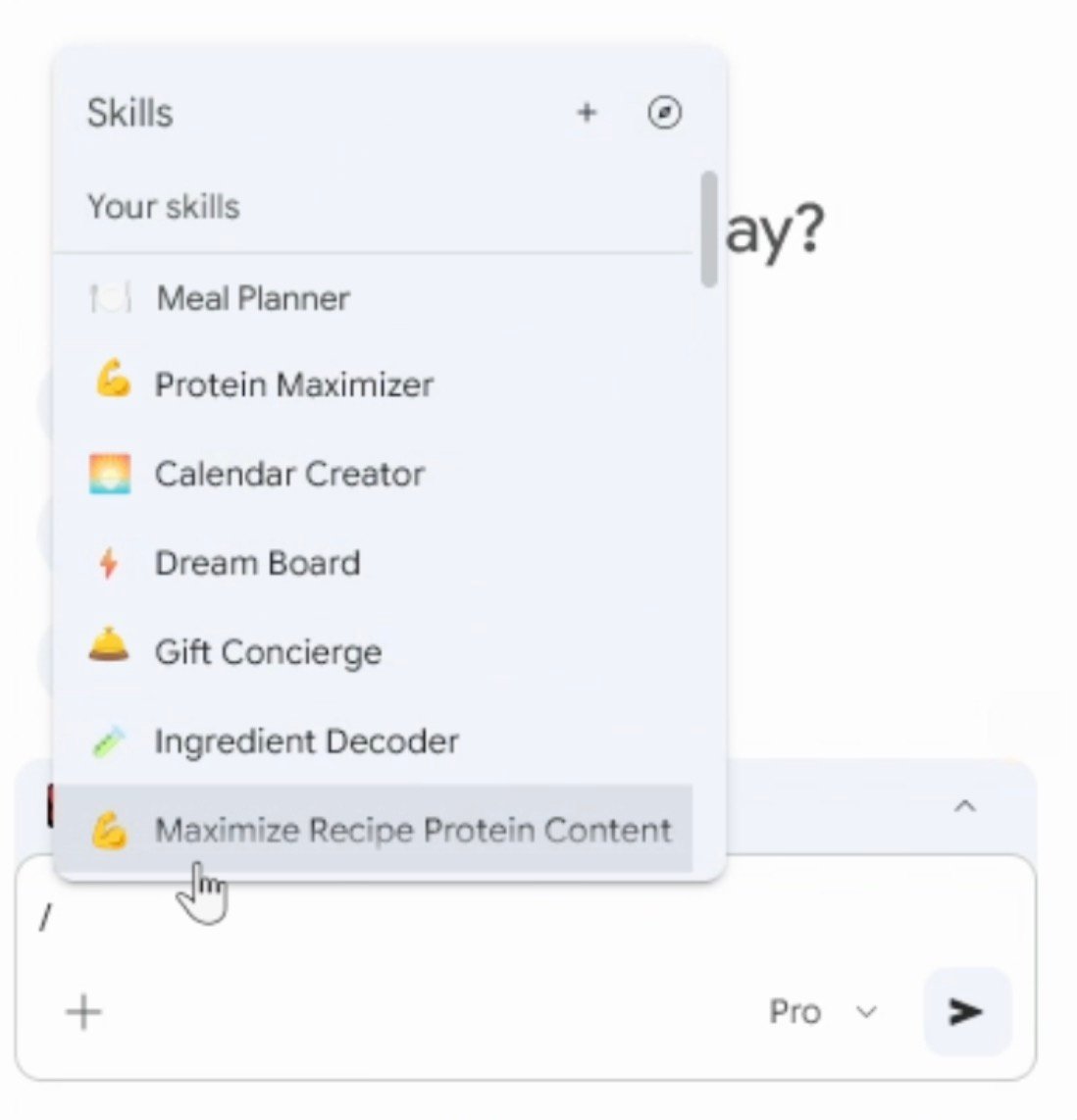
Google is enhancing its Chrome browser by launching a feature called Skills, designed to let users save customized AI prompts and reuse them seamlessly across various websites. This advancement simplifies repetitive online tasks by eliminating the need to re-enter the same commands repeatedly.
Seamless Integration of Skills with Gemini AI in Chrome
This new capability builds on Google’s existing Gemini AI integration within Chrome, which allows users to interact more naturally with web content-such as extracting detailed information or generating concise summaries. Skills take this interaction further by enabling users to create personalized prompts that can be activated instantly through simple commands.
Everyday Uses for Skills in Browsing
Imagine a user who often searches for gluten-free ingredient swaps while exploring food blogs; they can now save that specific query as a Skill and apply it immediately on any recipe page without typing it again. Early adopters have also employed Skills for tasks like calculating daily calorie intake from meal plans, comparing prices during e-commerce sessions, or summarizing lengthy articles into digestible points.
How to Create and Manage Your Personalized Skills
Users generate a Skill by saving an AI prompt directly from their chat interactions within Gemini. Activating these saved prompts is straightforward-simply type / or click the + icon in the chat window. The chosen Skill then runs on the active webpage and any additional tabs selected by the user.
The platform supports ongoing refinement, allowing individuals to edit their stored prompts at any time so they remain aligned with changing preferences or requirements.
A Collection of pre-Built Workflows for Common Tasks
To help newcomers get started quickly, Google offers a curated selection of ready-made Skills tailored for frequent activities such as managing budgets, adjusting recipes based on dietary needs, improving productivity routines, and comparing shopping deals. These templates can be added directly into personal collections and customized further if desired.

User Privacy and Safety Features Embedded in Skills
The system prioritizes user security by requiring explicit confirmation before executing sensitive operations such as sending emails or creating calendar events via automated prompts. This safeguard helps prevent accidental actions while maintaining privacy control over automated workflows.
Status Update: Availability Across Platforms and Languages
The rollout has commenced primarily on desktop versions of Chrome when signed into a Google account. Initially available only in English (US) language settings within the browser interface, expanded language support is anticipated based on feedback and adoption rates worldwide.